
Friend lock · Accountability partner app
Don’t trust yourself with delivery apps? Give a friend the password.
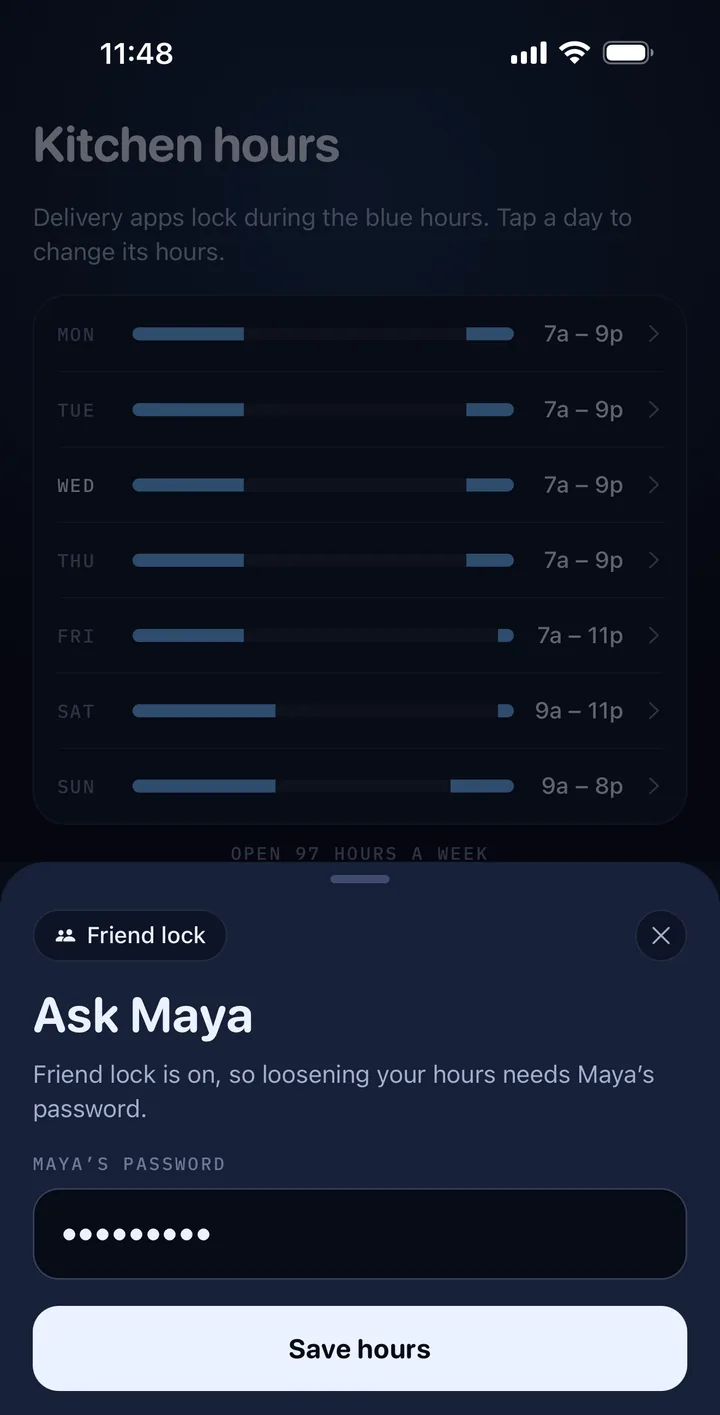
Kitchen Closed locks DoorDash, Uber Eats and other delivery apps during the hours you choose. With friend lock, a friend sets a password you don’t know. You need it to loosen your hours, remove an app or switch off the lock, and deleting Kitchen Closed needs a code only they know.


For iPhone and Android · Your friend doesn’t need the app
Why a friend
An app blocker you can’t just switch off.
Most app blockers have an off switch, and the person they block knows where it is. With friend lock, the settings that loosen the lock ask for a password only your friend knows.
| Most app blockers | With friend lock |
|---|---|
| Off in two taps | Off with your friend’s password |
| Looser hours whenever you like | Looser hours need the password |
| Delete the app and it’s gone | Deleting it asks for a code your friend set |
| Nobody knows you gave in | Your friend can hear when you try to turn it off |
How it works
Set it up together, once.
Step 1
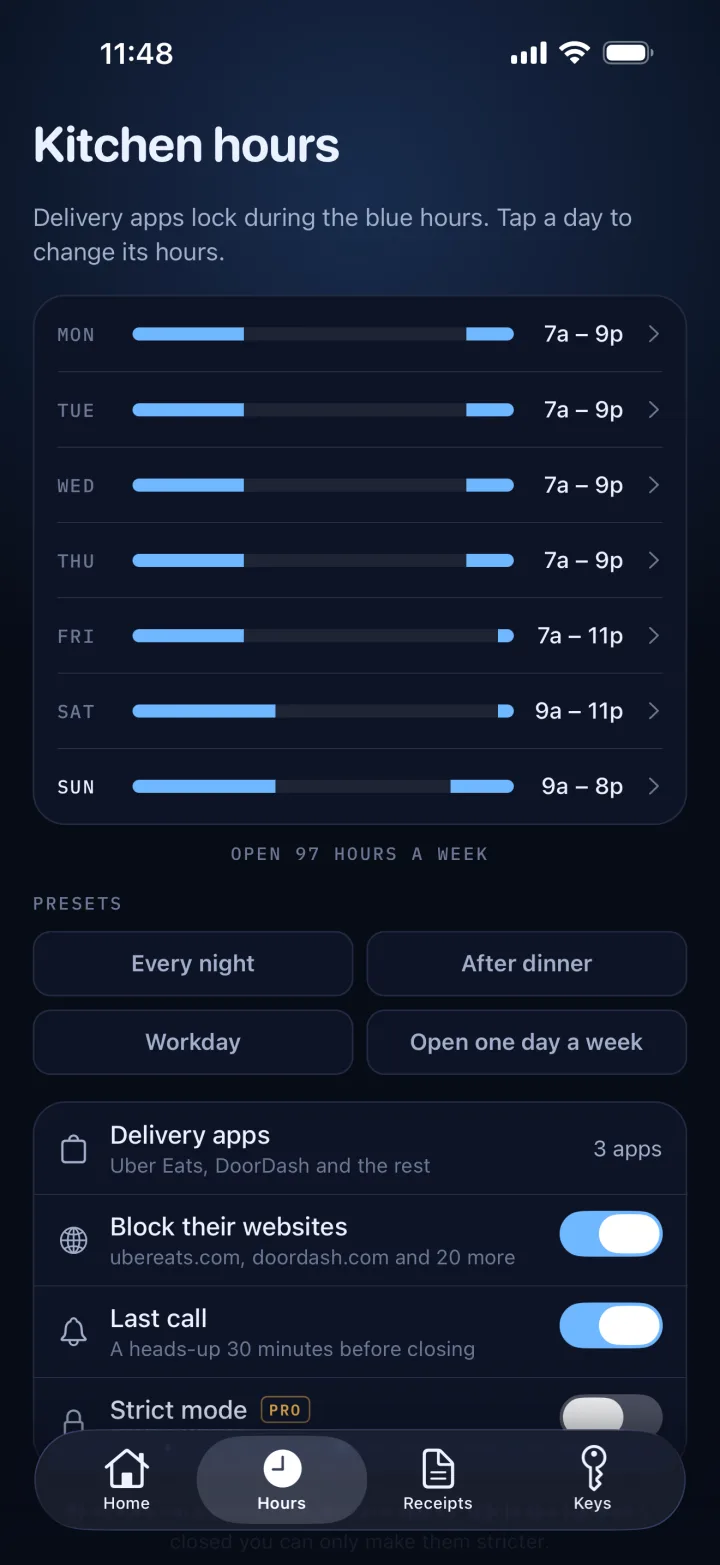
Pick your apps and hours.
Kitchen Closed locks the delivery apps you pick during the hours you choose. Each day can have its own hours.
Step 2
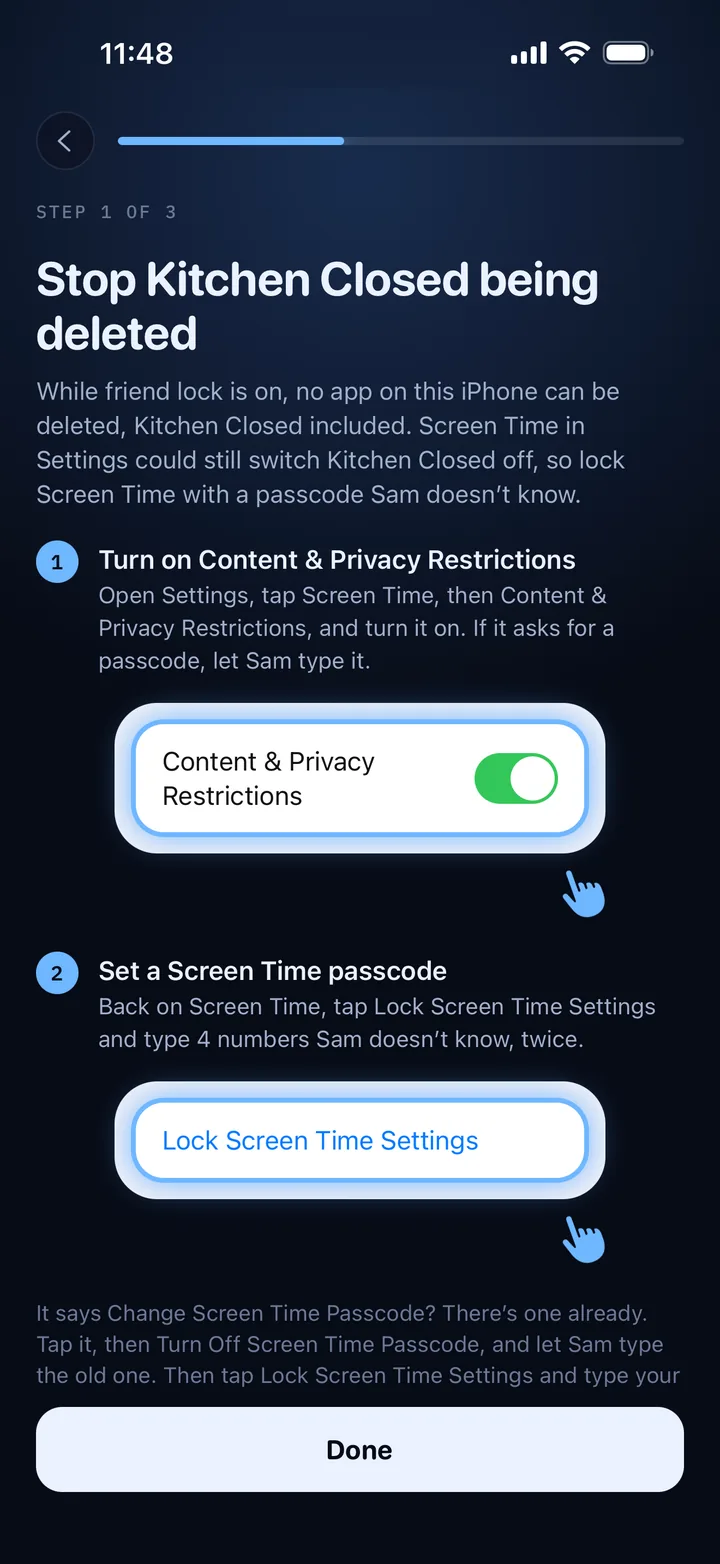
Hand your phone to a friend.
They set a password you don’t see. On iPhone, they also lock Screen Time with a passcode, so Kitchen Closed can’t be switched off in Settings.
Step 3
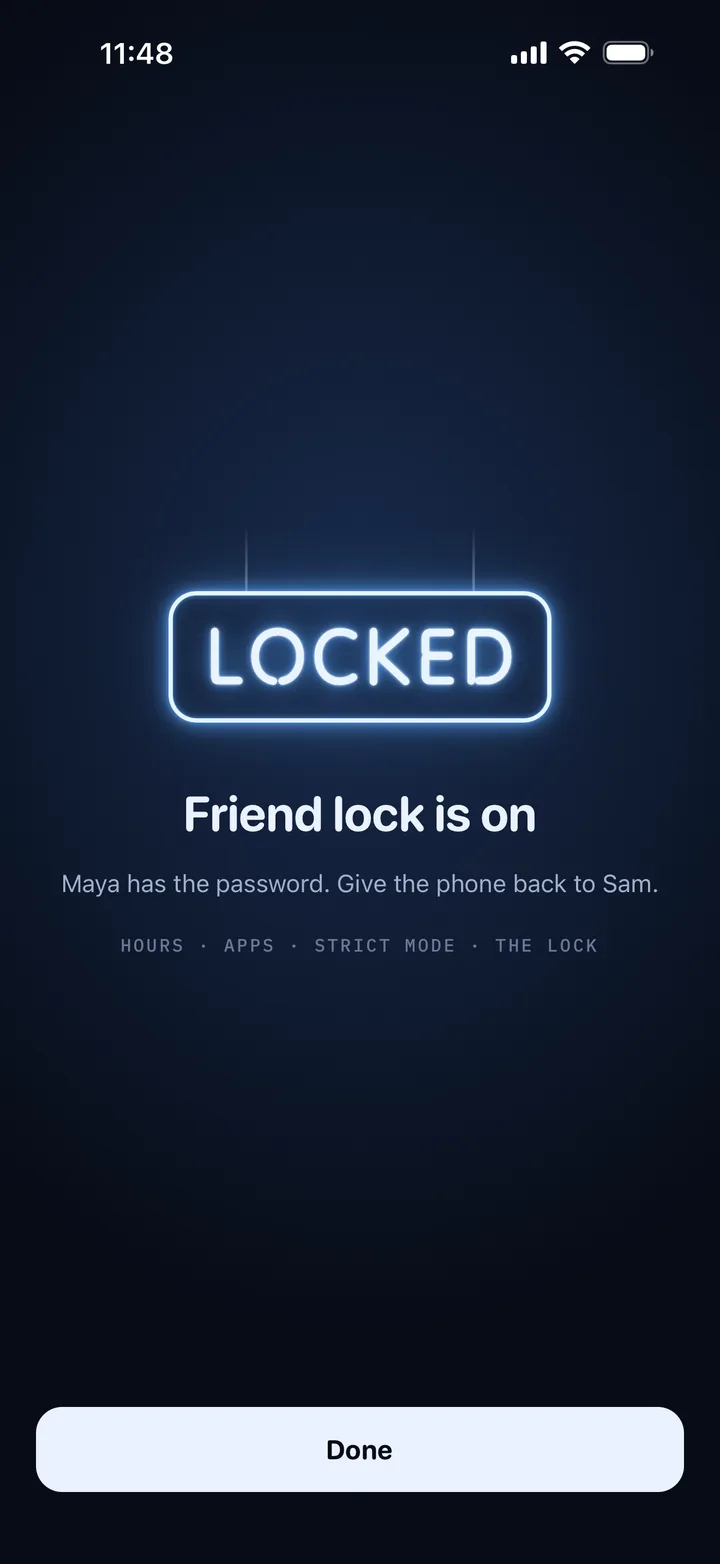
Loosening it means asking them.
From then on, looser hours, removing an app, turning off strict mode or switching off the lock asks for their password. On Android, so do the settings that could switch it off.
What it guards
What needs your friend’s password.
Looser hours.
Opening up any time that’s closed. Making your hours stricter never needs it.
Removing an app.
Taking a delivery app off your list. Adding one never needs it.
Strict mode and website blocking.
Turning either of them off. On iPhone, delivery websites lock along with the apps.
Switching off the lock.
Turning off the lock or friend lock in Kitchen Closed. On iPhone, no app can be deleted while friend lock is on.
Android’s settings too.
Uninstalling Kitchen Closed, or switching it off in Settings, asks for the password first.
Optional emails
Your friend hears about it.
Add your friend’s email and they confirm it from a link. Then they get an email each time their password is used, and when you try to turn friend lock off without them. Each of those emails has a link to stop them.
Thursday · 11:48 PM
Did you just unblock Sam’s apps?
Someone typed your friend lock password on Sam’s phone and took apps off Sam’s blocked list.
If that was you, fine.
If not, Sam knows your password. Next time you’re together, turn friend lock off and set it up again with a new one.
Stop these emails
Privacy
No accounts, for either of you.
Your friend doesn’t need the app or an account. The password stays on your phone.
Read the privacy policyThe password stays on your phone.
It’s stored scrambled and never sent anywhere.
Emails are optional.
If your friend adds theirs, Kitchen Closed’s server keeps their address and both your first names. Never your orders or your hours.
They can stop any time.
Every alert has a link to stop the emails.
FAQ
Questions, answered.
What is an accountability partner app?
An app that gives someone else a say in a habit you’re trying to keep. In Kitchen Closed, that’s friend lock: a friend holds the password to your delivery app lock, so loosening it means asking them.
Does my friend need to download anything?
No. They set the password on your phone, and adding their email is optional.
Can I delete Kitchen Closed to get around it?
On iPhone, no app can be deleted while friend lock is on, and your friend locks Screen Time with a passcode, so Kitchen Closed can’t be switched off in Settings either. On Android, uninstalling Kitchen Closed asks for their password.
Can an accountability partner help with weight loss?
It can, if takeout is the habit you’re cutting. Friend lock keeps your delivery apps locked during the hours you choose, and loosening those hours needs your friend’s password.
Is my friend’s password stored online?
No. It stays on your phone, stored scrambled. If your friend adds their email, Kitchen Closed’s server keeps their address and both your first names, never your orders or your hours.
Give a friend the password.
Kitchen Closed locks DoorDash, Uber Eats and other delivery apps during your hours. Friend lock puts your friend in charge of loosening them.